---
layout: default
title: Simulation AFM 
---

<style>
  body {
    background-color: black;
    color: white;
  }

  a {
    color: white;
  }

  h1, h2, h3, h4, h5, h6 {
    color: #FFA500;
  border-bottom: 2px solid #FFA500; /* Bright orange border */
  padding-bottom: 5px; /* Adds space between the text and the border */
  }

</style>

## [NanoLocz User Guide 1.3-1.4](https://george-r-heath.github.io/NanoLocz/docs/) <img src="https://github.com/George-R-Heath/NanoLocz/assets/90329395/36d664a6-38e2-4405-b5cc-a962093cf13b" width="30">

<a href="installation1_3.html">Installation</a> - - <a href="getting_started1_3.html">Getting Started</a> - - <a href="saving_data1_3.html">Saving Data</a> \
<a href="image_levelling1_3.html" style="color: red;">Level</a> - - 
<a href="particle_detection1_3.html" style="color: lightblue;">Detect</a> - - 
<a href="fine_align1_3.html" style="color: orange;">FineAlign</a> - - 
<a href="localize1_3.html" style="color: pink;">Localize</a>\
<a href="area_analysis1_3.html" style="color: limegreen;">Area Analysis</a> - - <a href="keyboard_shortcuts1_3.html">Keyboard Shortcuts</a>\
<a href="simulation_afm1_3.html" style="color: orange;">Simulation AFM</a> - - <a href="general_use1_3.html">YouTube Video Tutorials</a> 

# Simulation AFM
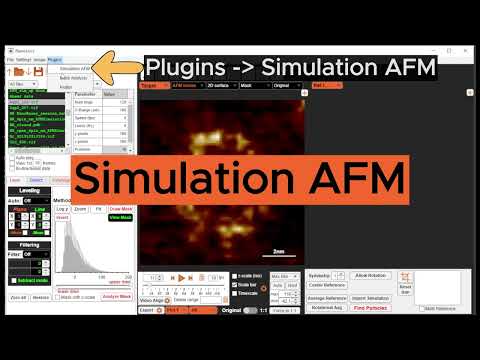
[![YouTube Time Resolved LAFM](https://img.youtube.com/vi/xuxuxda7PgQ/0.jpg)](https://youtu.be/xuxuxda7PgQ)